
On November 13, OpenAI released Codex CLI 0.169.0. The notes lead with an opt-in terminal workspace that now supports multiple side-chat tabs, and with a bug fix that matters if you run codex exec in a directory you haven’t trusted: project configuration and MCP servers are kept disabled, even with --sandbox workspace-write.
That’s the official rust-v0.169.0 release and the matching entry on the Codex changelog, both dated November 13. I haven’t run this build myself.
What’s new in the terminal workspace
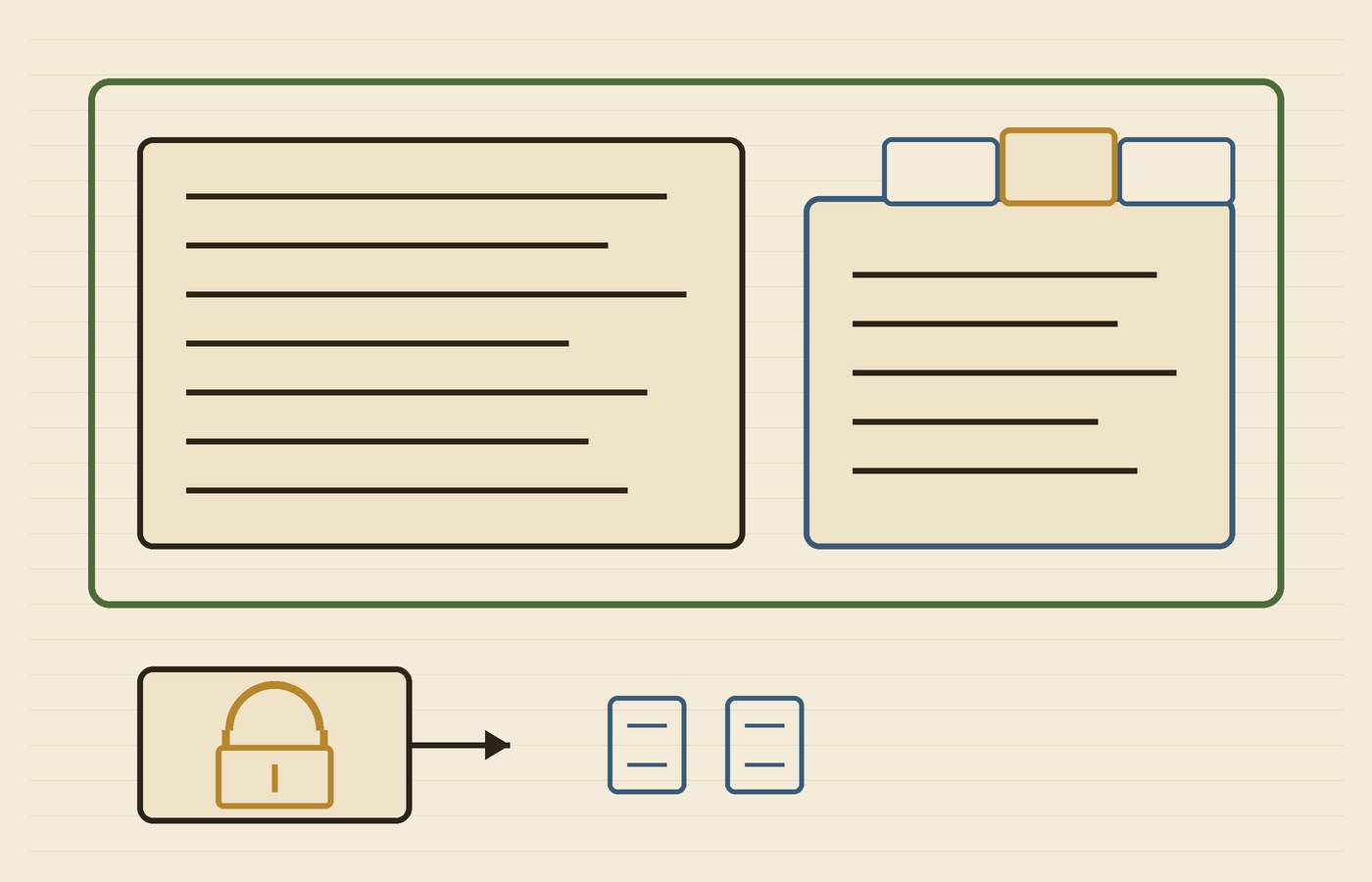
The 0.169.0 notes say the opt-in terminal workspace supports multiple side-chat tabs. You can switch between them with the keyboard or the mouse, and reopen saved side chats after restarting Codex.
The Codex changelog also lists 0.168.0 on November 13, which added the opt-in features.tui_workspace flag so you can view a side conversation beside the main chat, drag the divider, or press leader z to zoom the focused pane. 0.169.0 is the multiple-tabs step on that workspace.
You can also search older tasks from the agent command center by name, prompt preview, or working directory, and turn on Collapse turn details in the full-screen transcript to fold completed activity beneath each prompt while keeping answers visible and tool output searchable.
The untrusted-directory default for exec
The bug-fix line is the one I’d actually pin to the release notes. codex exec keeps project configuration and MCP servers disabled in untrusted directories, even with --sandbox workspace-write. To explicitly save project trust, the notes say to use --trust with codex exec or codex review.
That’s a trust-and-config default, not a claim that the CLI never talks to a network or a model provider. I’m not turning it into something it isn’t.
Other notes in the same release
You can add or edit custom model providers from the terminal. With custom gateway onboarding enabled, the notes say you can create a provider during sign-in and use a device code for supported gateways over SSH or without a browser. I’m not naming third-party gateways, and I’m not treating that onboarding path as something every install has turned on.
Press Ctrl+S in the terminal report editor to save a diagnostic ZIP, even when uploads are disabled.
And with the opt-in Cloud connection on macOS and Linux, you can send images, choose a model and reasoning effort, and archive or restore Cloud conversations from the terminal. The notes don’t mention Windows for that connection.
What I’d check before leaning on it
- The terminal workspace is opt-in. 0.168.0 named the flag
features.tui_workspace; 0.169.0 is what adds multiple side-chat tabs on that workspace. - In a directory you haven’t trusted,
codex execkeeps project configuration and MCP servers disabled, even with--sandbox workspace-write.--trustis the explicit switch the notes name, forcodex execorcodex review. - Custom model providers and the Cloud connection are separate features. The Cloud connection is opt-in, and the notes only mention macOS and Linux.
- I haven’t run 0.169.0. A diagnostic ZIP you save when uploads are disabled is still a file that can hold session details — treat it that way.
If you’ve been waiting for more than one side conversation in the Codex terminal, or you care how codex exec behaves in an untrusted directory, this is the release OpenAI published on November 13. I’d start with the rust-v0.169.0 notes, not a third-party recap.
Hero photo: Rope coil on deck (Unsplash) by Matt Haggerty, via Wikimedia Commons; CC0 1.0; cropped and resized.