
On November 16, JetBrains introduced an experimental AI Agents plugin for TeamCity. The company says it lets you run Codex and Claude Code directly in TeamCity builds and connect them to the LLM provider of your choice.
That’s a CI story, not a “run the agent only on a developer’s machine” story. The plugin is experimental, JetBrains says, and its functionality may change. I haven’t run it.
What the plugin actually does
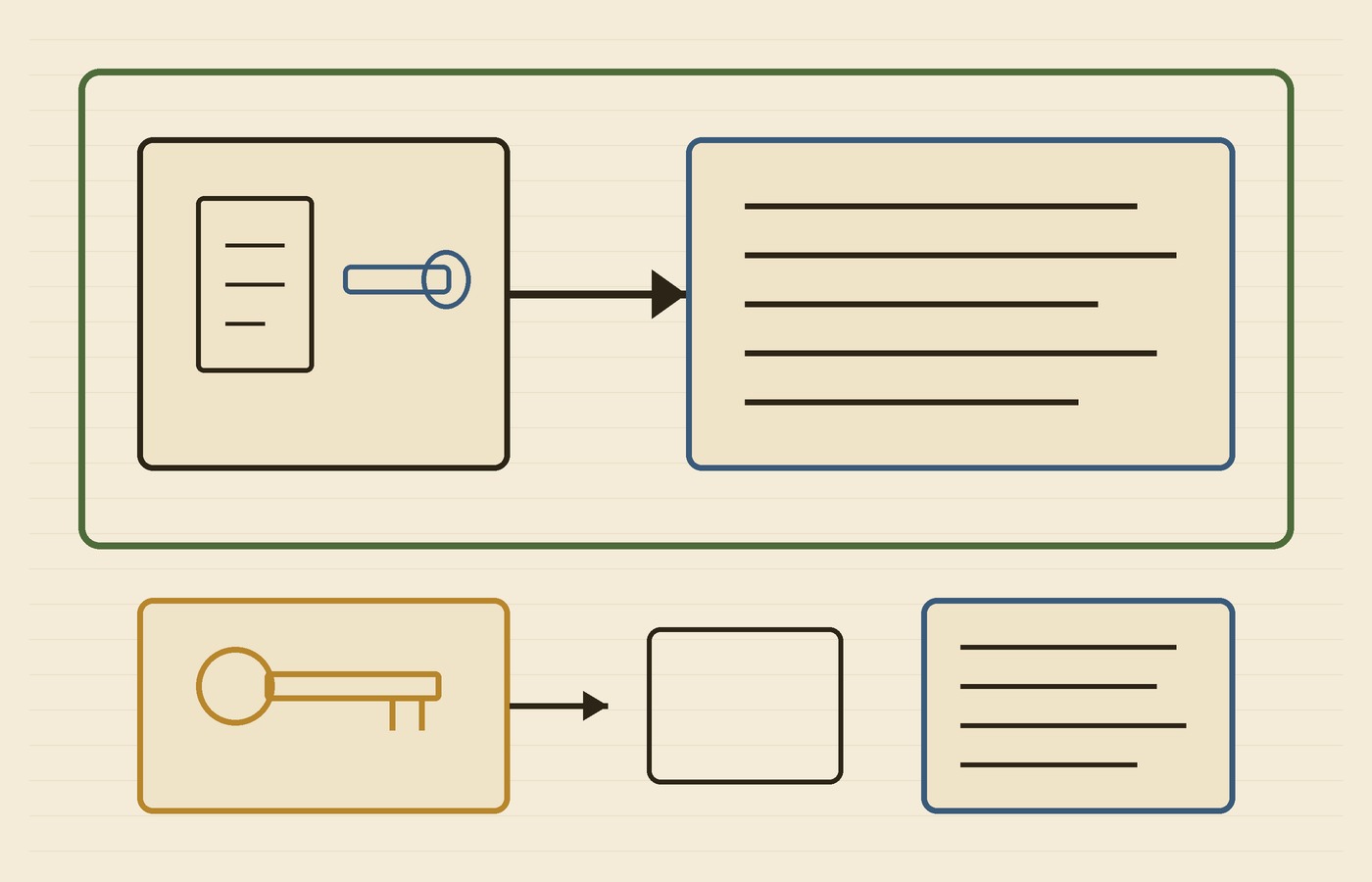
The post says the plugin installs the coding agent on the TeamCity build agent, provides credentials for the duration of the build, and collects usage statistics and agent trajectories. When a build starts, it checks whether the selected client is available and installs it if necessary. You can then call codex or claude from a regular TeamCity Command Line build step.
You don’t have to preinstall Codex or Claude Code on every TeamCity build agent, JetBrains says. In the setup section, the company gives example prompts — codex exec --ephemeral --skip-git-repo-check "summarize this repository", or claude -p "summarize this repository" — and says you can replace those with whatever task you want the agent to perform as part of your build.
Credentials, usage stats, and trajectories
Provider credentials are stored as a TeamCity connection, not left permanently on individual build agents. The plugin “provides the necessary credentials to the TeamCity agent only for the duration of the build and removes them afterward,” the post says. JetBrains currently lists JetBrains Air, OpenAI, Anthropic, LiteLLM, and OpenRouter as supported connections, and notes that gateways such as OpenRouter and LiteLLM can reach a wider range of models. That’s a connection list, not a claim that one gateway should classify every request.
After the build, the plugin publishes telemetry and agent trajectory files as hidden build artifacts under .teamcity/ai-agents/, plus statistical values for prompt, completion, cached, and total token counts. Trajectories come in HTML, for a readable view of messages, tool calls, and token usage, and in JSON, for programmatic analysis. JetBrains also describes adding a build report tab that opens .teamcity/ai-agents/trajectory.html.
The same post includes a warning I’d keep next to those artifacts: they may contain prompts, source code, and model output. Treat them the same way you would other sensitive build artifacts, JetBrains says, and make sure access is restricted.
What I’d check before leaning on it
- The plugin is experimental. JetBrains says its functionality may change as development continues. I haven’t run it, and I’m not treating the Marketplace listing as a promise that every TeamCity server will see the same behavior today.
- This is a TeamCity CI plugin, not the Air experience inside JetBrains IDEs. Air appears here only as one of the credential connections the post lists.
- Credentials are provided for the duration of the build and then removed, according to JetBrains — that’s not the same as saying the artifacts are harmless. The post says those files can still hold prompts, source code, and model output.
- The Codex and Claude examples are JetBrains’ sample commands, not a review of either agent’s latest CLI release.
If you’ve wanted a coding agent to review a change, poke at a failed build, or update documentation as a TeamCity step, this is the plugin JetBrains published on November 16. I’d start with the TeamCity blog post, and with the warning about what the trajectory files can contain, before I treated it as part of a pipeline.
The plugin is available from JetBrains Marketplace.
Hero photo: Gears Summerlee Industrial Museum by marsupium photography, via Wikimedia Commons; CC BY-SA 2.0; cropped and resized.