
AGENTS.md is “a simple, open format for guiding coding agents,” the official site says. Think of it as a README for agents: a dedicated, predictable place for the build steps, tests, and conventions that would clutter a README written for humans.
I haven’t added an AGENTS.md to a private repo for this post, and I haven’t run a coding agent against a sample file here. This is what the official docs say.
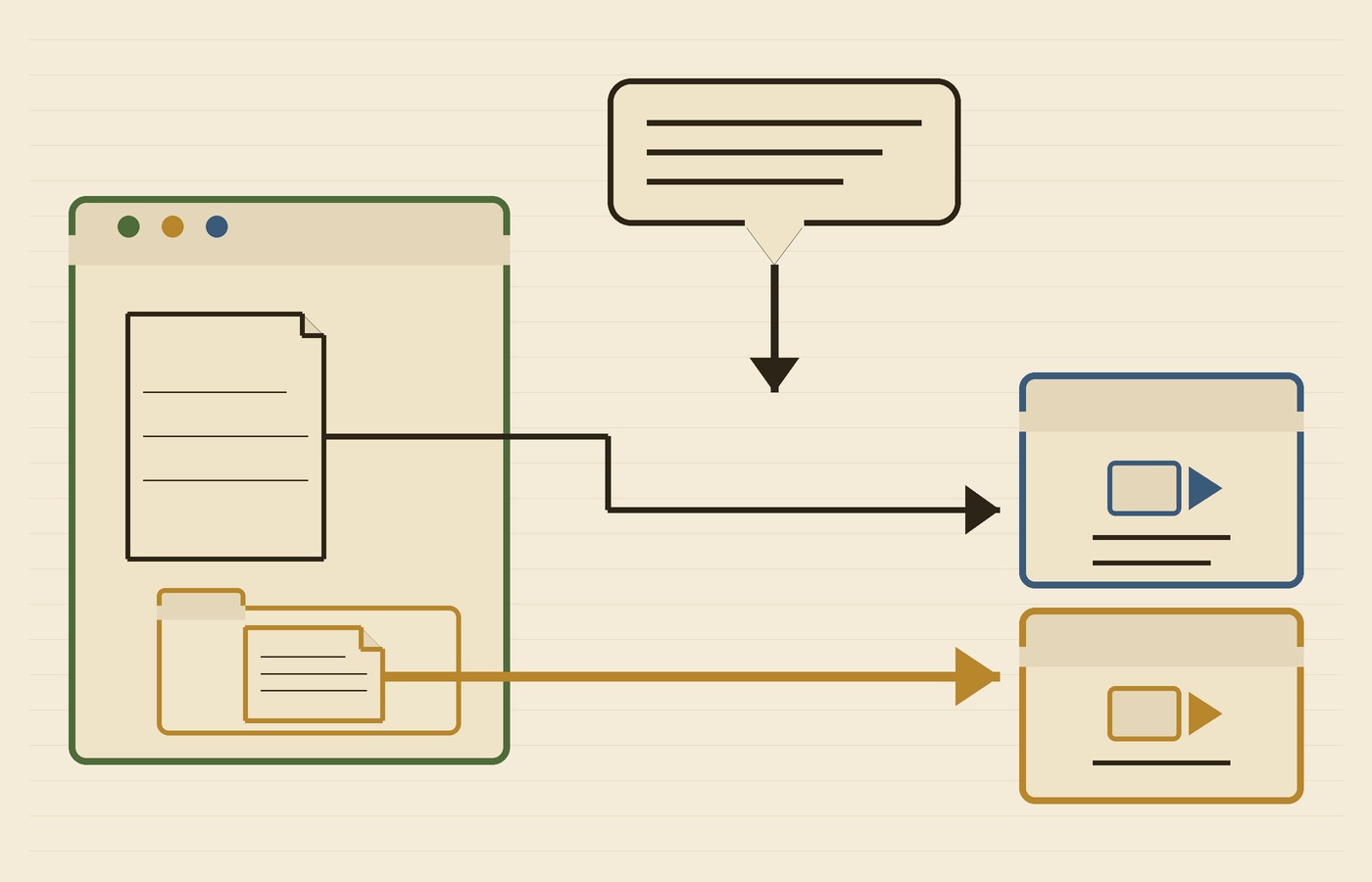
What the official site says to put in the file
There are no required fields. AGENTS.md is standard Markdown, and “the agent simply parses the text you provide,” the FAQ says. The site’s setup steps are straightforward: add a file named AGENTS.md at the root of the repository, then cover what actually helps an agent work on the project.
Popular sections, according to the site, are a project overview, build and test commands, code style guidelines, testing instructions, and security considerations. You can also add commit or pull request guidelines, security gotchas, notes about large datasets, and deployment steps — “anything you’d tell a new teammate belongs here too.”
The homepage shows a short example that looks like this:
# AGENTS.md

## Setup commands
- Install deps: pnpm install
- Start dev server: pnpm dev
- Run tests: pnpm test

## Code style
- TypeScript strict mode
- Single quotes, no semicolons
- Use functional patterns where possible
That’s the site’s sample, not a project I ran. The FAQ also says to treat the file as living documentation, so you can update it as the repo changes.
Nested files, and which instructions win
In a large monorepo, the official site says you can place another AGENTS.md inside each package. “Agents automatically read the nearest file in the directory tree, so the closest one takes precedence and every subproject can ship tailored instructions.” If instructions conflict, the FAQ is blunt: the closest AGENTS.md to the edited file wins, and explicit user chat prompts override everything.
Different tools discover the file in different ways
The format site lists a long set of coding agents that work with AGENTS.md. I haven’t tested that list, and I’m not going to treat it as a compatibility guarantee. First-party docs are a safer place to start.
Microsoft’s VS Code custom instructions reference (the page is dated November 11, 2026) calls AGENTS.md “a cross-agent instruction format.” It is not a custom agent definition, the page says, and “its discovery rules differ by harness.” In the Copilot harness, project instructions can live in AGENTS.md or in .github/copilot-instructions.md, and nested AGENTS.md files are treated as targeted instructions. If a team uses more than one harness, the page says to choose a shared supported format where possible and keep any separate copies consistent.
The same VS Code table lists Anthropic Claude’s project file as CLAUDE.md or .claude/CLAUDE.md, not AGENTS.md. So a single AGENTS.md is not automatically a drop-in for every tool.
OpenAI’s Codex docs on AGENTS.md say Codex reads those files before doing any work. In a project, it walks from the project root down to the current working directory, takes at most one file per directory, and concatenates them from the root down. Files closer to the current directory override earlier guidance because they appear later in the combined prompt. Empty files are skipped, and Codex stops adding files once the combined size reaches a limit the docs set at 32 KiB by default.
VS Code also draws a useful line between finding a file and following it: “Discovery means a harness or the editor finds an instructions file. Inclusion means its contents become part of a request. Neither guarantees that the model follows every rule.”
Security notes the docs actually give you
The official FAQ asks whether the agent will run testing commands found in AGENTS.md automatically. The answer is “Yes—if you list them.” The agent will attempt to execute relevant programmatic checks and fix failures before finishing the task, the site says. So review those commands the way you’d review a script a new teammate was about to run. I’d keep secrets, tokens, and production credentials out of a committed AGENTS.md, because the file is meant to be read and acted on.
The site lists security considerations and security gotchas among the things worth covering. That’s a good place for permissions, sandboxes, and anything an agent shouldn’t touch, written as instructions rather than hope.
Where the format lives today
The official GitHub repository is agentsmd/agents.md. I fetched it on November 17, 2026 at 1:15 p.m. America/Phoenix: 25,538 stars, MIT license, default branch main. There were no GitHub releases. The most recent commit on the default branch was pushed at 2026-09-10T18:46:16Z, which is 11:46 a.m. America/Phoenix on September 10, 2026. The format site and the VS Code page I used are still current as of today.
The official site says the format is used by over 60,000 open-source projects. That’s the site’s figure; I haven’t counted those projects myself. The site also says AGENTS.md is now stewarded by the Agentic AI Foundation under the Linux Foundation. AAIF’s own site lists AGENTS.md among its projects, with the same one-line description: “a simple, open format for guiding coding agents.”
If you already keep project notes in a README, this is the extra, agent-focused layer the docs describe — not a new model, and not a promise that every agent will follow every line.
Hero photo: Wooden Card Catalog Furniture by MarkBuckawicki, via Wikimedia Commons; CC0 1.0; cropped and resized.