
From Mexico, I’ve been watching the “which agent do I use” question slowly turn into “which agents do I run side by side.” On November 3, GitHub announced that GitHub Copilot is now available in JetBrains Air, JetBrains’ app for handing coding tasks to agents, running them in parallel, and reviewing their changes in one place. The interesting part for me isn’t the logo pairing. It’s how they connected it.
What actually shipped
Copilot now shows up in Air’s agent picker. You pick it, sign in with GitHub, and tasks run on your existing Copilot subscription instead of JetBrains AI credits. According to the JetBrains announcement, Air runs the official GitHub Copilot CLI over the Agent Client Protocol (ACP), so you get the real Copilot agent and its models in the same task list as Claude, Codex and Junie. You can track several agent sessions at once and review changes next to your code.
There are two ways to run it. Locally, you install Air in your JetBrains IDE and Copilot works in your project; that doesn’t need Air Teams. In the cloud, you need a JetBrains account in an Air Teams-enabled business organization, a Copilot subscription, and an Air admin who has enabled Copilot. Then you start tasks from the browser or by choosing Cloud in the IDE plugin.
Where cloud tasks run
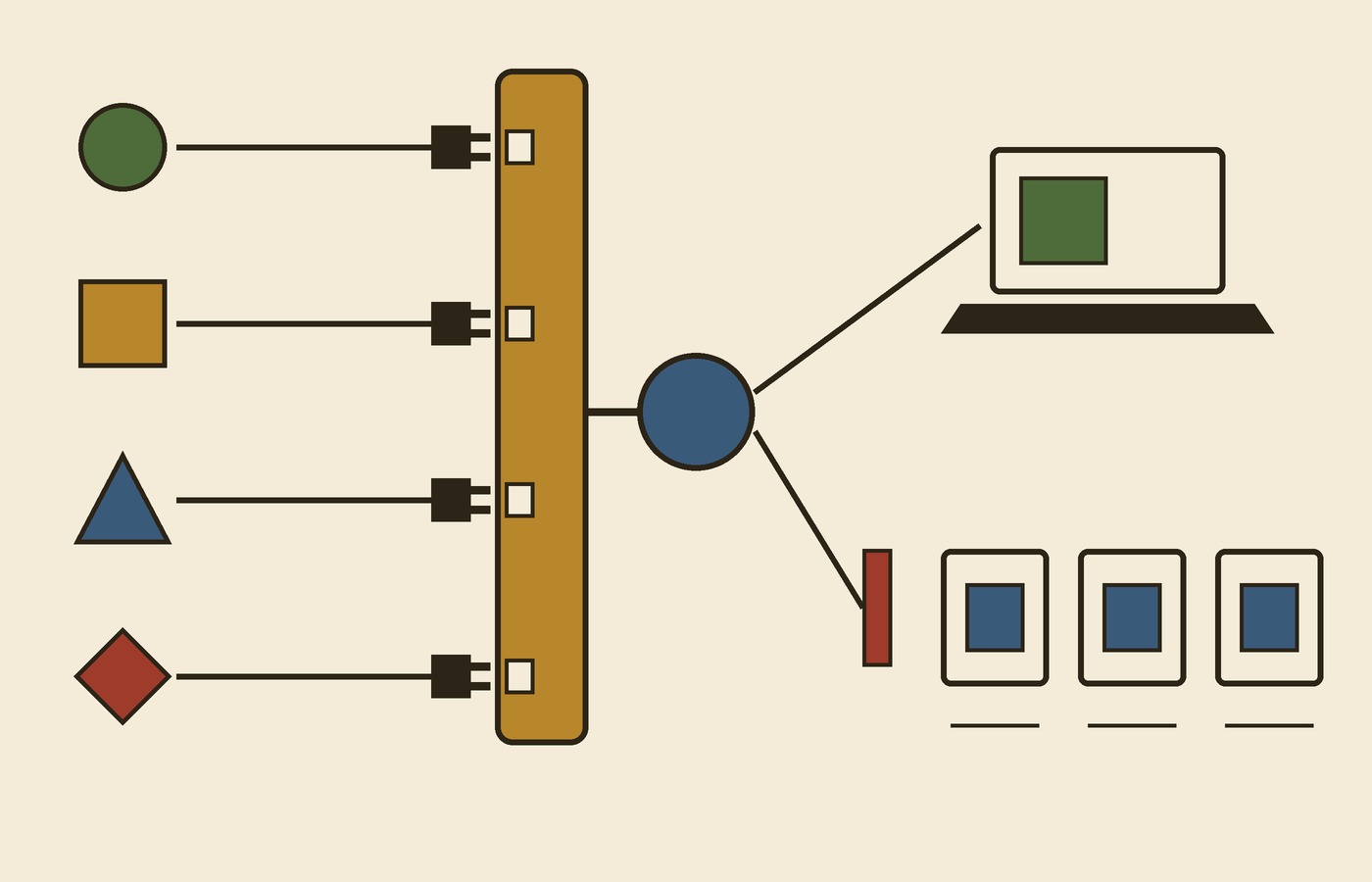
GitHub says each cloud task runs Copilot in a Docker container on a fresh virtual machine. All traffic goes through a proxy and no state carries over between tasks, so the agent can build, test and install packages without touching your laptop. That’s the setup I’d want before letting any agent install dependencies on its own.
The fine print on billing and control
This is the part teams should read twice. Both GitHub and JetBrains are upfront about it:
- Air may only check your Copilot subscription or credits when the cloud environment starts. If they aren’t available, the task fails with an error in the session.
- You can’t choose per task whether it uses your personal Copilot plan or your organization’s.
- Air’s governance and analytics don’t include Copilot usage, so you track it on GitHub.
- Air admins can turn Copilot off with a governance policy, but they can’t set Copilot spending limits inside Air.
So if your company runs both tools, the spend and the guardrails live in two places. That’s not a dealbreaker, but somebody has to own it.
Why I care about ACP more than the pairing
The Air docs say any agent that supports ACP works in Air like the built-in ones. You add it to an acp.json file with the command that starts its ACP server, and the docs’ own example registers Copilot with copilot --acp next to Goose. Agents you add that way use their own subscriptions. That’s the real story to me: when the editor and the agent agree on one protocol, switching agents gets closer to changing a config line than changing your whole workflow.
What I take from it
- If you’re already paying for Copilot and live in JetBrains IDEs, this lets you try Copilot next to other agents on the same task list without buying more credits.
- Before you turn on cloud tasks for a team, decide where Copilot spend gets watched, because Air won’t show or cap it.
- Fresh, proxied sandboxes per task are a good default. I’d still review every diff before it merges.
- Keep an eye on ACP. The more agents and editors speak it, the less any one tool locks you in.
I haven’t run Copilot cloud tasks in Air myself yet, so everything above comes from GitHub’s and JetBrains’ own posts. But the direction is clear: the editor is becoming a place to manage agents, and the protocol is what makes that possible.
Sources: GitHub Changelog, “GitHub Copilot is now available in JetBrains Air,” November 3, 2026; The JetBrains Blog, “Use Your GitHub Copilot Plan in JetBrains Air”; JetBrains Air documentation, “Agents and models”. Hero image: Concord Junction former diamond crossing June 2025 by 4300streetcar, Wikimedia Commons, CC BY 4.0; cropped and resized.