This isn’t a launch recap. Microsoft’s official Learn docs describe the Microsoft Learn MCP Server as a remote MCP server that uses streamable HTTP, so AI agents can “search through documentation, fetch a complete article, and search through code samples.” The overview says it “enables clients like GitHub Copilot and other AI agents to bring trusted and up-to-date information directly from Microsoft’s official documentation.” Here’s what the current official docs say.
Why the docs say this is useful
The official FAQ starts from a familiar problem: agents use language models that are “pre-trained on generic web content,” and they “answer questions by predicting text based on patterns it learned during training or fill gaps by guessing.” “Without Learn MCP Server, agents and language models rely on statistics or web search with inconsistent experiences.” With the server, the FAQ says, they can “link the user question to a potential answer in Microsoft Learn content,” use “the extra context from MCP,” and produce answers that are “more grounded and complete.” Those are Microsoft’s claims, not a benchmark.
The same docs are careful about freshness. The overview says “the underlying knowledge service refreshes incrementally after content updates and performs a full refresh once a day.” The FAQ adds that the data changes “whenever new content is added, modified, or deleted, which is usually on a daily basis.” So “up-to-date” here still means official Learn content, with a documented daily refresh, not an instant copy of a page the moment it changes.
The official endpoint and config
The official endpoint is https://learn.microsoft.com/api/mcp. The overview and the developer reference both call this “a remote MCP server that uses streamable http.” Compatible client apps, the pages say, can connect to that URL. The overview also warns: “This endpoint is designed for programmatic access by MCP clients via Streamable HTTP. It does not support direct access from a web browser and may return a 405 Method Not Allowed error if accessed manually.”
The developer reference gives this as the “common format to configure MCP servers in integrated development environments”:
{
  "microsoft.docs.mcp": {
    "type": "http",
    "url": "https://learn.microsoft.com/api/mcp"
  }
}
That JSON is the portable official snippet. Individual editors may wrap it in their own settings file, but the type, URL, and microsoft.docs.mcp name come from that page. The same article adds an important limit: “Although the Learn MCP Server provides a public endpoint, it is not an Application Programming Interface (API) in the traditional sense.” Developers “should use an agent framework to communicate with the MCP Server, not access the endpoint directly.” “The interface may change dynamically including tools, and their request and response formats.” “Every time the client initializes the server, it should call list tool to get a tool list.”
The tools the developer reference currently lists are microsoft_docs_search, microsoft_docs_fetch, and microsoft_code_sample_search. The official best-practices page says MCP clients “call tools/list on connection to get the current set of tools and their descriptions,” and tells anyone building a custom integration: “Don’t hardcode tool names, parameter schemas, or expected behavior.” If a call fails with 400 or 404, “assume your cache is stale,” then refresh the tool list and retry.
The same best-practices page documents an optional maxTokenBudget query parameter on the endpoint, for example https://learn.microsoft.com/api/mcp?maxTokenBudget=2000, “to cap the token count in search responses.” “The parameter only affects search results – fetch always returns the full page.”
The official Get Started path in VS Code
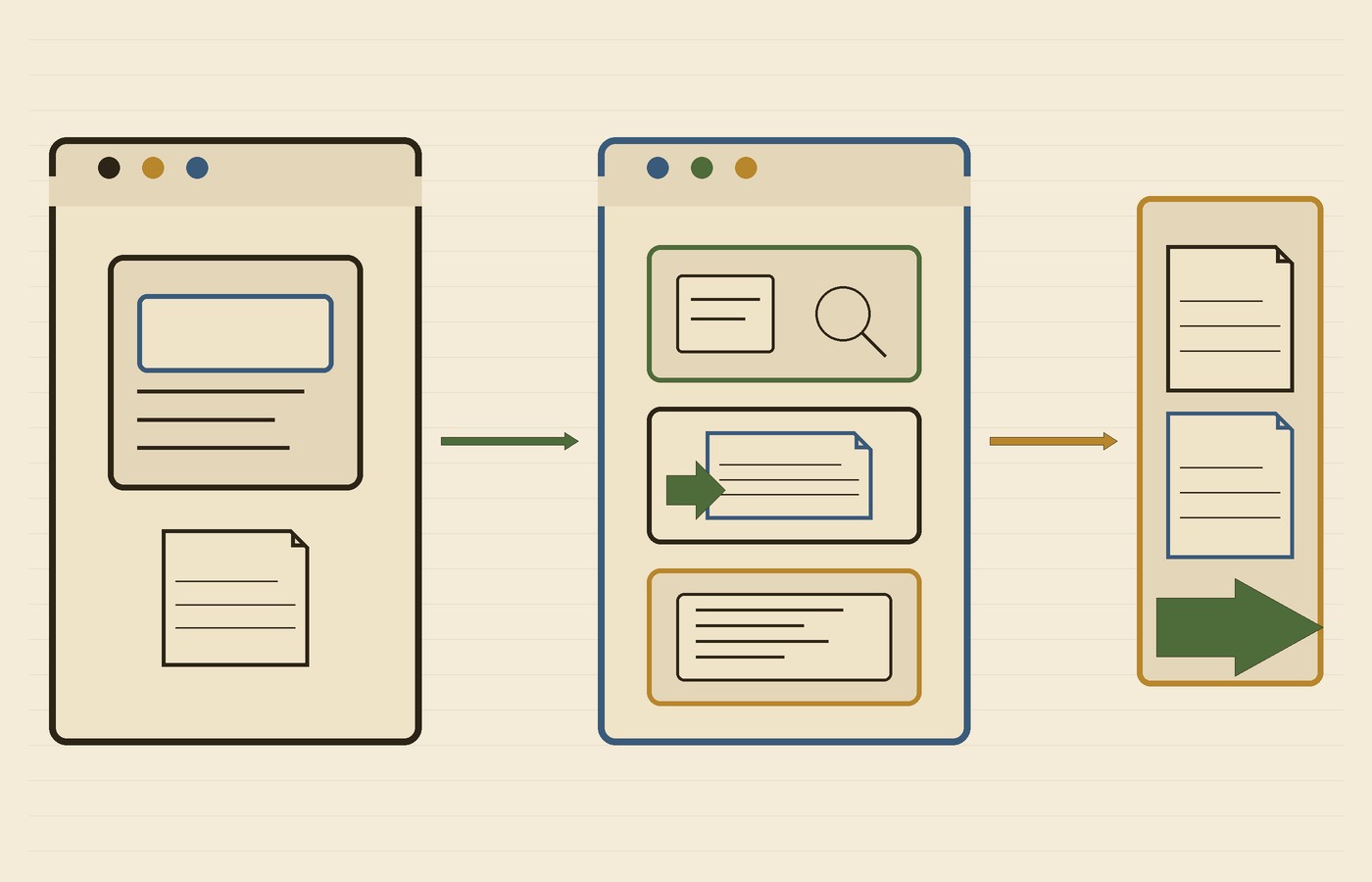
The official Get Started in VS Code article walks through a common client path. Its prerequisites are Visual Studio Code and GitHub Copilot. After you configure the editor, the “Use MCP Server” steps are: open chat, select agent mode, “ask a question relevant to Microsoft Learn content,” “allow the agent to use the MCP server,” and get the response. That allow step is worth taking literally: the official path expects you to approve the tool call.
The overview also says there’s no requirement to use one editor: “Users can use their preferred MCP client or agentic development environment, such as VS Code, Visual Studio, MCP inspector, etc.” This post stays on the official JSON and that Get Started article, not on a plugin, a command-line install, or a rules-file.
The official repo, checked on November 21
The public GitHub API, fetched on November 21, 2026, at 1:17 p.m. America/Phoenix, showed MicrosoftDocs/mcp as public, not archived, and licensed under Creative Commons Attribution 4.0 International (CC-BY-4.0), with 2,001 stars. There were no published GitHub releases and no tags. The default branch had last been pushed 2026-11-13T13:11:55Z, which is 6:11 a.m. America/Phoenix on November 13, 2026. Repo security advisories on that fetch were none. The official Learn pages point to that repository for comments, questions, and tool details.
Terms, pricing, and documented limits
“When you use the Learn MCP Server, you agree with Microsoft Learn Terms of Use.” The overview is also direct about access and price: “There’s no authentication required to access the Microsoft Learn MCP Server.” “The Microsoft Learn MCP Server is publicly available. There’s no charge to use the MCP server.” Those are Microsoft’s statements about this server. The FAQ still says, “As a public and free endpoint, our service does have rate limits in place to ensure fair usage for all users.”
The overview’s limitations section is short and useful: “The MCP server contains publicly available documentation, not training or user profile information.” It will not, on those terms, hand back a training transcript or a user profile, and it is not a window into a private repo.
Security caveats the docs actually spell out
The no-authentication claim applies to this official Learn server, not to MCP as a whole. If you later add other MCP servers, some of those may need tokens. Keep credentials out of a shared config file, and review the publisher and the endpoint before you connect.
Connecting an MCP server is not a sandbox, and it is not an isolation boundary. This particular server returns public Microsoft documentation, and Microsoft says it doesn’t require authentication, but the coding agent may still have other tools with their own permissions. The official Get Started path includes “allow the agent to use the MCP server” for a reason: look at the tool call before you approve it.
I’d also treat a returned article as a pointer back to Learn, not as a substitute for opening the page when the details matter, especially if the article may have changed since the last daily refresh. The official best-practices page is frank that you may run into unexpected behavior, including cases where the MCP server isn’t used or “doesn’t respond appropriately.”
Hero photo: The Whiteford Lighthouse (Unsplash) by Alfonso Ninguno, via Wikimedia Commons; CC0 1.0; cropped and resized.