
Here’s a problem I hit every week now: I kick off four or five agent sessions in the morning, go to a call, and come back to a mess of tabs I have to re-read one by one. The agents did the work. I’m the one who lost the thread.
On November 5, the Kiro team announced Kiro bots, generally available in Kiro Crew, and they open the post with almost exactly that scene. Kiro Crew is the team’s persistent, open source development workspace. Bots are their answer to the babysitting problem.
What a bot actually is
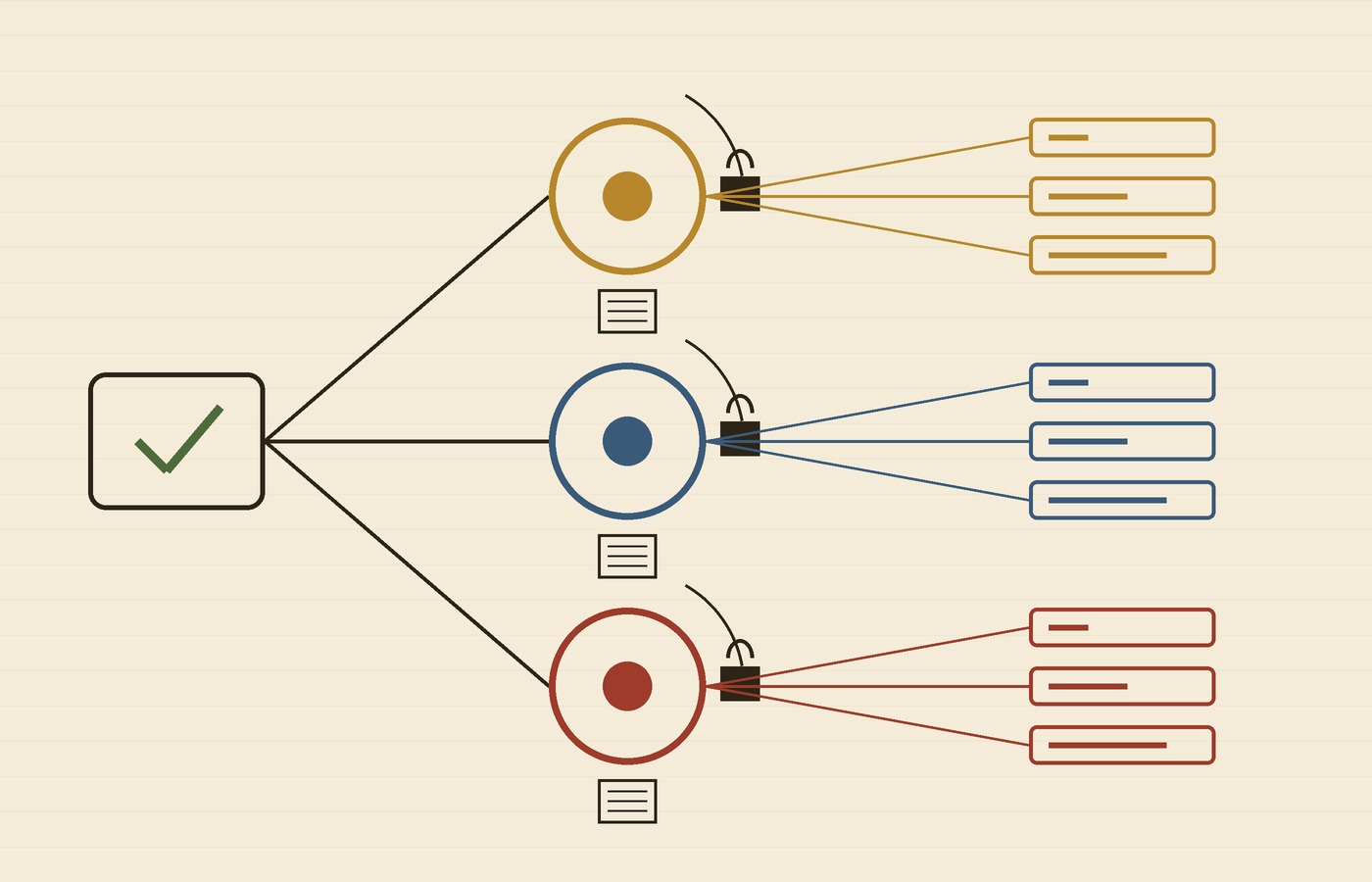
Per the announcement, a bot is a named, long-running agent you define for one part of your work. It gets a name, an avatar, one ongoing chat where you set direction and come back for results, its own notes for decisions and open items, and its own workspace with a dashboard you customize. The pitch is that you hand off an ongoing responsibility instead of a single task.
When there’s work, a bot can start sessions in parallel, monitor them, redirect anything drifting from the plan and bring results back into that one chat. If a branch needs your decision, it asks while it keeps going on the parts that don’t depend on you. You can also set schedules in the chat — Kiro’s own examples are investigating overnight build failures before you start your day, or preparing release notes every Friday.
The part I like: scoped permissions and separate memory
Kiro says each bot gets only the tools and permissions its job needs. Their example: a research bot can search the web and read your files but can’t change them; a deployment bot can run your deployment scripts and asks for approval before each change. A bot can ask for more tools, but nothing changes until you approve. VentureBeat’s write-up adds that AWS’s example review bot can comment and request revisions but can’t approve or merge code.
Memory is per bot too, so what your deployment bot learns about releases doesn’t leak into your research bot. Honestly, that’s the design choice I’d have asked for. One giant shared memory is how you get an agent applying last month’s release rule to a refactor.
What I’d check before trusting it
I haven’t run bots on a real repo yet, so take this as my checklist, not a review. VentureBeat makes a fair point: the announcement describes improvement through saved context, conversations and corrections — it doesn’t say the bots retrain their underlying models. So “it learns” really means “it keeps notes,” and notes can go stale. I’d want to read and prune them often. I’d also start every bot read-only, watch what a scheduled run does on a boring Tuesday, and only then widen its tools.
Kiro says bots run wherever you run Kiro Crew — your laptop, a Mac Mini or an EC2 instance — and InfoWorld notes you create one from the Customize section with “Add a bot.” The shift here isn’t a smarter model. It’s the job description: from “do this task” to “own build health.” That’s where the review work moves too, and I think that’s the right place for it.
Hero image: European honeybees in a hive by Nick Pitsas, CSIRO, via Wikimedia Commons, CC BY 3.0; cropped and resized.